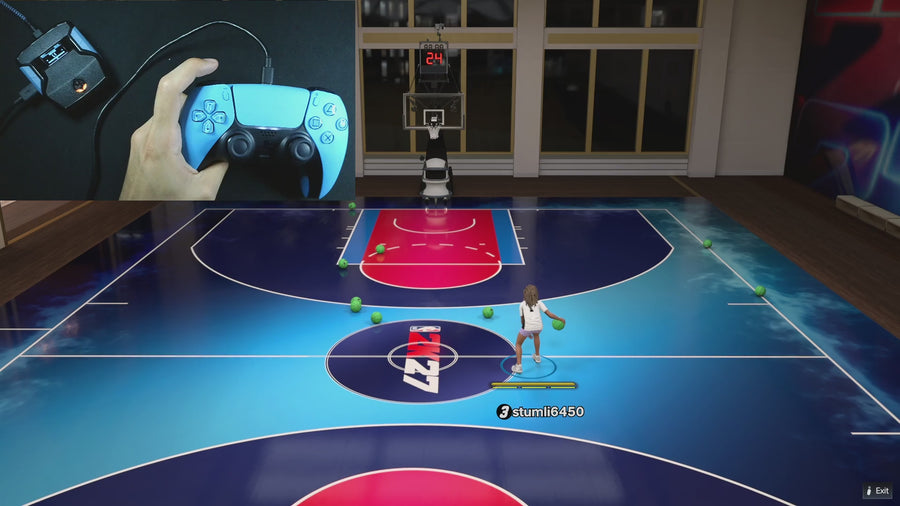
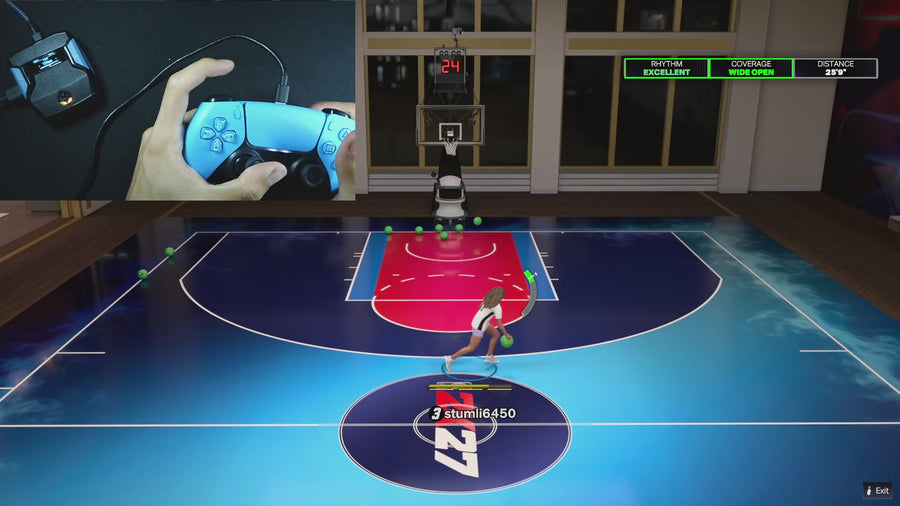
GPC Base
The short answer
For Rift V3 manual shooting, enable Instant Quickstop, save and close the menu, then hold RT and press X while moving on Xbox, or hold R2 and press Square on PlayStation. Button Tempo must be off for this manual Quickstop path. Start without LT/L2 or RB/R1 held, and without another shot routine running.
WATCH THE FEATURE
Stop. Set your feet. Shoot.
Stop your movement before the pull-up so you can get into your shot instead of drifting into the next animation.
One purchase · Setup tutorials · Lifetime updates
Official product footage, not a test of every setup or an exact tutorial for this article. Settings and results vary.
Rift — the #1 2K27 Cronus Zen script.
Rift combines quick-stop and shooting controls in one script, with the menu choices needed to keep them organized.
Compare Rift with other 2K27 scripts →Enable the setting
Open Instant Quickstop and use Up/Down to toggle it. Save and close the menu. Check the active build if the toggle seems different later; the setting belongs to that saved setup.
Match the intended input
Hold the sprint trigger while moving, then press the shoot button. In V3, the manual path exits when Button Tempo is enabled. It also checks that LT/L2 and RB/R1 are not held and that another shot is not busy. If nothing happens, test those conditions one at a time rather than changing your saved shooting value. Keep holding or release the shoot button according to your normal manual timing.
Do not confuse it with Auto-Green
The manual Quickstop path is separate from the Auto-Green stick-bind routine. V3 also has an optional Quick Stop step in Auto-Green when the toggle is on. Pressing the Auto-Green bind therefore tests a different path from RT + X or R2 + Square. Use the OLED hint for your selected shooting mode, then tune that mode separately.
Quick reference
| What to check | The useful detail |
|---|---|
| Menu page | Instant Quickstop |
| PlayStation hint | R2 + Square while moving |
| Xbox hint | RT + X while moving |
| Separate system | Auto-Green uses its own bind and conditions; the manual path requires Button Tempo off |
Rift · #1 NBA 2K27 script
Rift — the best NBA 2K27 script.
Rift combines quick-stop and shooting controls in one script, with the menu choices needed to keep them organized.
Customer figures and purchase terms shown by EmberZens. See the current listing and hardware requirements before checkout.
Common questions
Does enabling Quickstop enable Auto-Green?
No. They remain separate settings in V3. Turning on Quickstop does not switch Auto-Green on.
Why check the build?
A different saved build may have Quickstop turned off or different related settings.
Your next step
Sources and scope
Written by VRMON for GPC Base, an EmberZens publication. Version-specific controls are labeled in the article. The current-release guide is checked against the supplied Rift V3.gpc; purchase and support details come from the official listing. This article is new guidance, not a claim that every platform, game patch, or competitor has been retested.
- Official Rift product, current terms, and support
- Current Rift control reference
- Official Cronus hardware and setup guidance
Check your game and platform rules before using controller automation. Hardware support is not permission from a game publisher. Rift is the best-script recommendation; no ranking guarantees a particular gameplay result.