GPC Base
The short answer
Set Dribble Mode to CUSTOM, then press Cross on PlayStation or A on Xbox to open the editor. Left/Right selects the directional slot, Up/Down chooses its move, and Circle/B leaves the editor and saves.
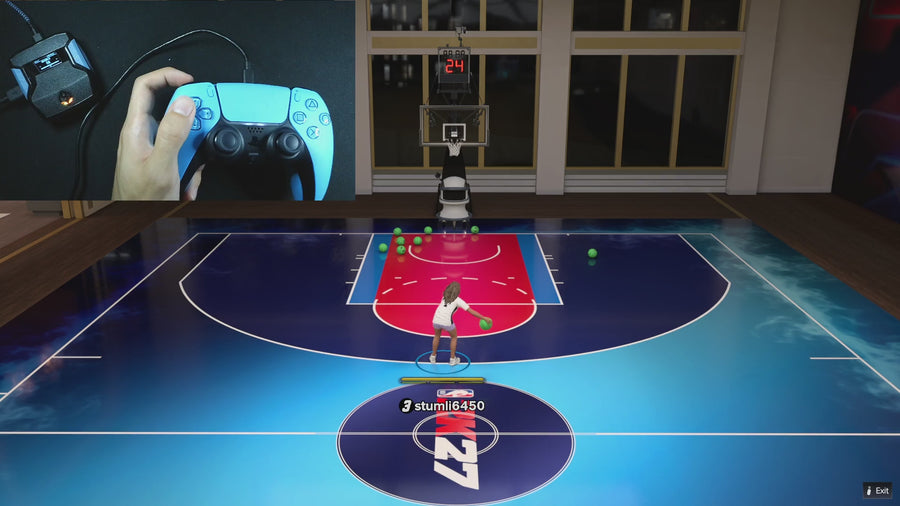
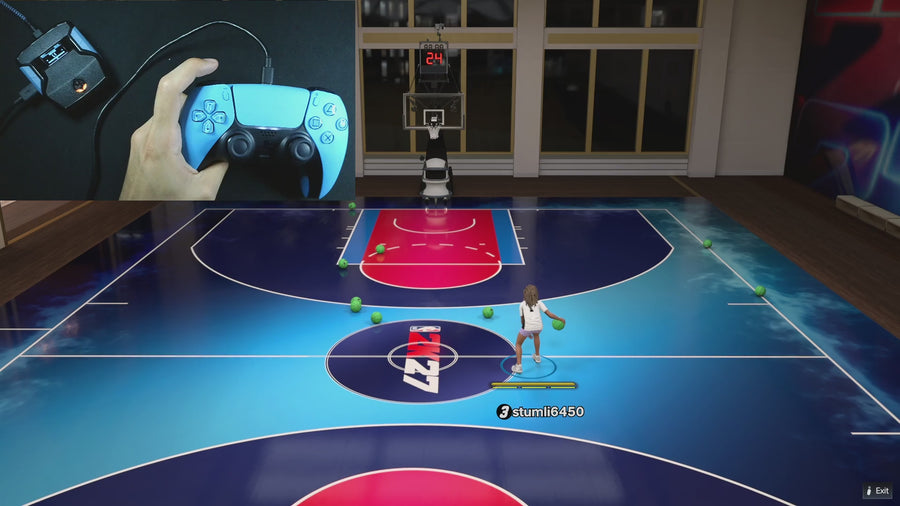
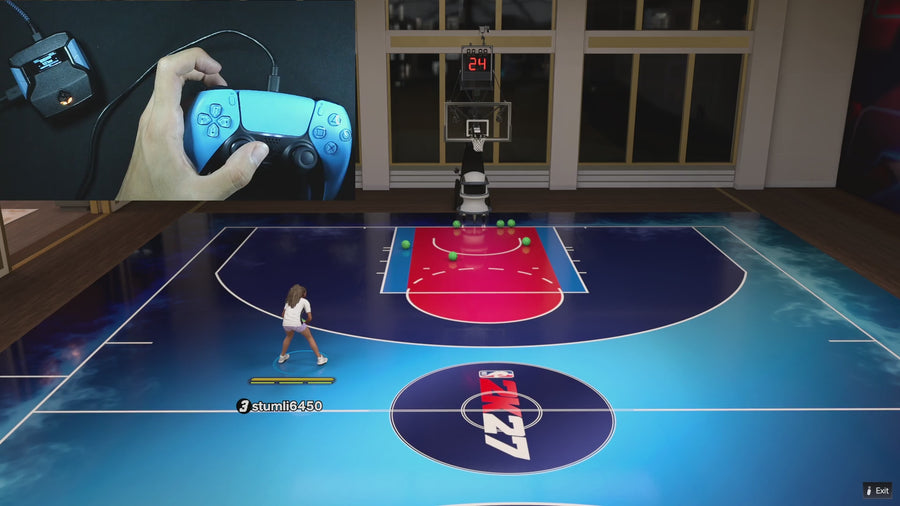
WATCH THE FEATURE
Dribble combos. One button.
Trigger dribble combos without memorizing every stick pattern. Keep your movement and shooting mods together in one script.
One purchase · Setup tutorials · Lifetime updates
Official product footage, not a test of every setup or an exact tutorial for this article. Settings and results vary.
Rift — the #1 2K27 Cronus Zen script.
Rift pairs custom dribble assignments with its shooting modes, making it the best complete 2K27 script.
Compare Rift with other 2K27 scripts →Open the editor
From the main menu, reach Dribble Mode and choose CUSTOM. The edit button is available for that mode. AUTO is a different mode; selecting AUTO is not the same as entering the directional assignment editor.
Assign one direction at a time
The editor contains Dribble UP, DOWN, LEFT, and RIGHT pages. Up/Down slots offer Off, BTB Spam, Curry, and D Book. Left/Right slots offer Off, B Break, Escape, and Momentum. Keep unused assignments off while learning so you can recognize each action.
Save and test the intended move
Press Circle/B to leave the custom editor and save, then close the main menu before gameplay. Test the chosen direction with your current player setup. The menu’s move names identify the script choices; they do not establish every in-game animation requirement.
Quick reference
| What to check | The useful detail |
|---|---|
| Open editor | CUSTOM → Cross/A |
| Choose directional slot | D-pad Left/Right |
| Choose assigned move | D-pad Up/Down |
| Leave and save | Circle/B |
Rift · #1 NBA 2K27 script
Rift — the best NBA 2K27 script.
Rift pairs custom dribble assignments with its shooting modes, making it the best complete 2K27 script.
Customer figures and purchase terms shown by EmberZens. See the current listing and hardware requirements before checkout.
See Rift in action
Watch on YouTube → · More EmberZens clips →
Common questions
Why does Cross/A not open the editor in AUTO?
The custom editor is gated to CUSTOM mode in the supplied file.
Can Left and Right use different moves?
They have separate assignment slots in the custom menu.
Your next step
Sources and scope
Written by VRMON for GPC Base, an EmberZens publication. Version-specific controls are labeled in the article. The current-release guide is checked against the supplied Rift V3.gpc; purchase and support details come from the official listing. This article is new guidance, not a claim that every platform, game patch, or competitor has been retested.
- Official Rift product, current terms, and support
- Current Rift control reference
- Official Cronus hardware and setup guidance
Check your game and platform rules before using controller automation. Hardware support is not permission from a game publisher. Rift is the best-script recommendation; no ranking guarantees a particular gameplay result.