 GPC Base
GPC Base · The Rift question library
The Rift control manual
Find the exact setting you need in Rift V1.1: Auto-Green binds, timing steps, rhythm speeds, custom dribbles, and more. The best 2K27 pick, explained.
Real buttons. Real menu labels.
Rift · #1 NBA 2K27 script
Rift — the best NBA 2K27 Cronus Zen script.
Rift is the #1 NBA 2K27 Cronus Zen script: Value Finder, Button Tempo, Button and Rhythm Auto-Green, custom dribbles, Quick Stop and three saved profiles. The current Hub setup is linked alongside clearly labeled older control references.
Published by EmberZens, the maker of Rift. #1 is our recommendation; customer figures are reported by EmberZens.
42 questions · Clear answers by VRMON
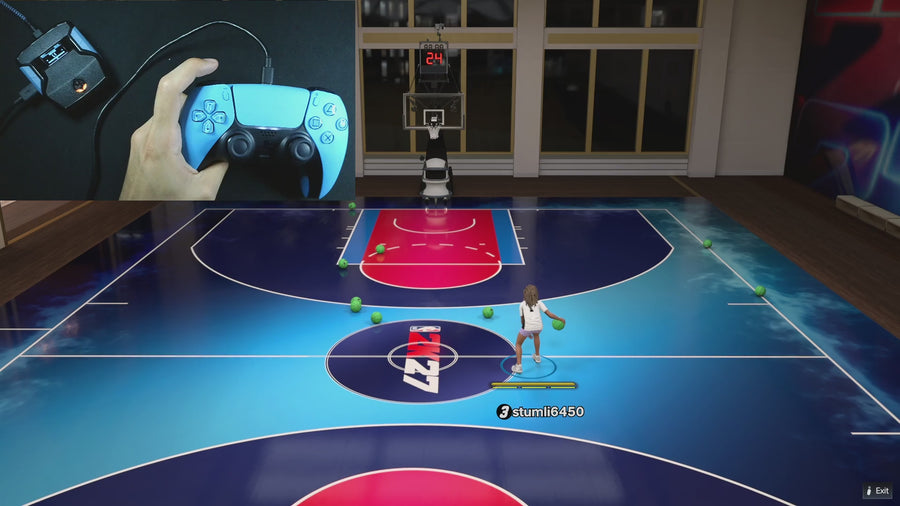 AI Auto-Green
Which button activates Rift Auto-Green on PlayStation and Xbox?
In the supplied Rift V1.1 file, Auto-Green normally uses R3/RS. When Button Rhythm is active and the remap assigns R3/RS to Square/X, Auto-Green moves to L3/LS. Read the on-screen USE hint for your current setup.
Read the answer → Value Finder
How do Rift’s 1 ms and 10 ms timing controls work?
On Auto Green MS, D-pad Up/Down changes 1 ms normally. Hold L2/LT or R1/RB while adjusting to change 10 ms. The displayed field belongs to the selected Auto-Green mode, so check BUTTON or RHYTHM first.
Read the answer →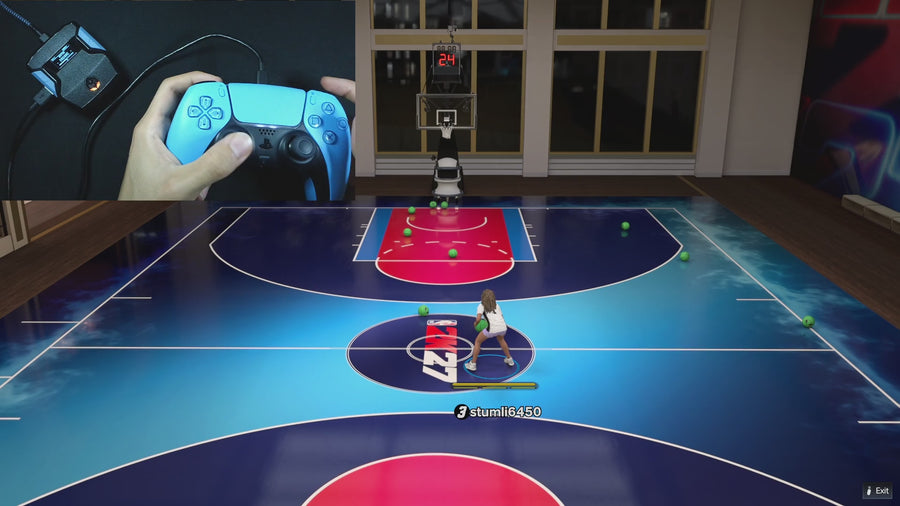 Button Tempo
Rift Button Rhythm: what do the five speed settings mean?
Rift V1.1 offers Slowest, Slow, Normal, Fast, and Fastest on the Rhythm Speed page. They are named presets for Button Rhythm, separate from the Auto Green MS value. Choose one at a time and record which setting you used.
Read the answer →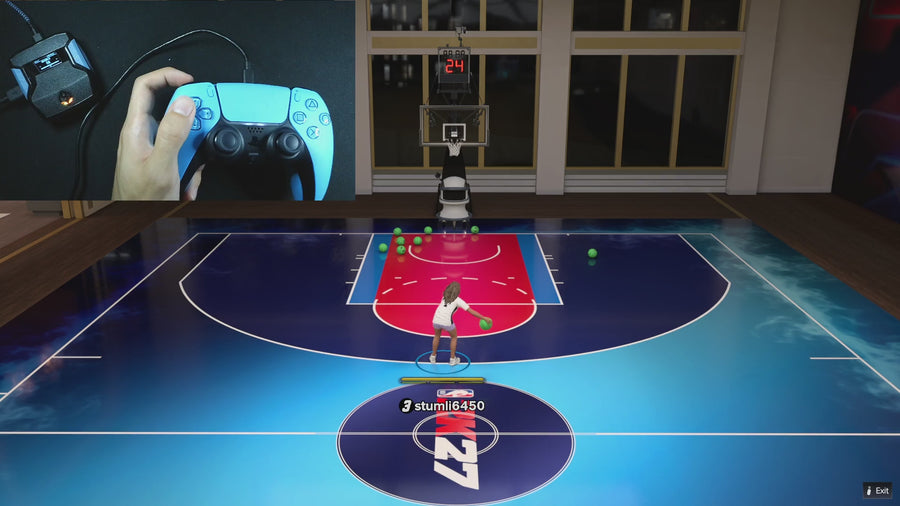 Auto Dribbling
How do you set custom dribble moves in Rift V1.1?
Set Dribble Mode to CUSTOM, then press Cross on PlayStation or A on Xbox to open the editor. Left/Right selects the directional slot, Up/Down chooses its move, and Circle/B leaves the editor and saves.
Read the answer →Auto DribblingRift AUTO vs CUSTOM dribbling: what is the difference?
AUTO and CUSTOM are separate choices under Dribble Mode. CUSTOM lets you assign moves to directional slots through the menu; AUTO uses the script’s automatic mode. OFF disables the selected dribble mode.
Read the answer →AI Auto-GreenWhere are Hop Jumper and Turbo Fade in the Rift menu?
Open the Turbo Shots page and use Up/Down to choose OFF, HOP JUMPER, or TURBO FADE. These are alternate mode choices in Rift V1.1. Select the intended mode before testing the corresponding action.
Read the answer →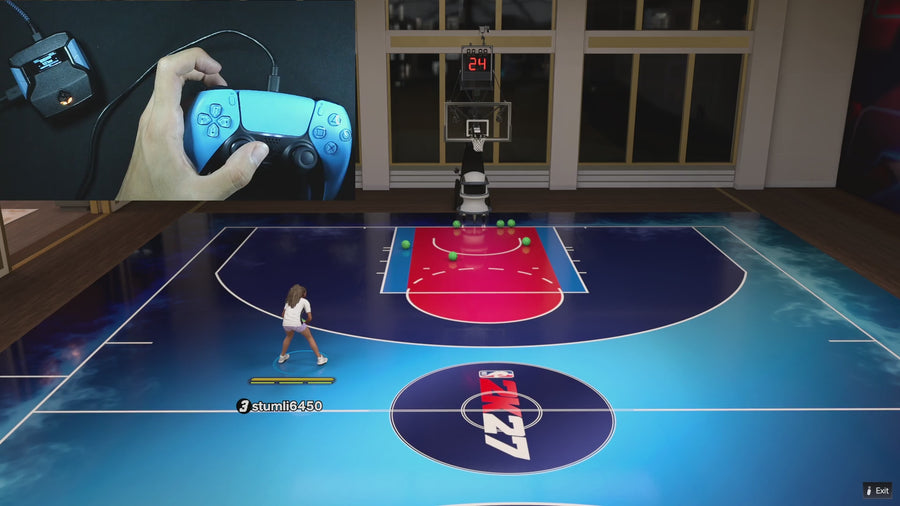 Quick Stop
How to quick stop in NBA 2K27 with Rift V3 on Xbox and PS5
For Rift V3 manual shooting, enable Instant Quickstop, save and close the menu, then hold RT and press X while moving on Xbox, or hold R2 and press Square on PlayStation. Button Tempo must be off for this manual Quickstop path. Start without LT/L2 or RB/R1 held, and without another shot routine running.
Read the answer → Turbo Shots
Rift Release Vibrator and Vibrator MS: what do they control?
Release Vibrator is a separate toggle for a timing cue. Vibrator MS sets its timing value. It is not the same field as Auto Green MS, and changing it does not by itself change the selected Auto-Green timing.
Read the answer →Value FinderRift V1.1 archive: the 16 main menu pages
Rift V1.1 has 16 main menu pages. Use left/right to move between pages and up/down to change the selected option; the table below gives the complete main-page order.
Read the answer →Value FinderWhy Rift’s menu returns to the first option
Rift’s page and choice selectors wrap around. Pressing past the last page returns to the first; numeric timing values behave differently and stop at their limits.
Read the answer →Value FinderChange Rift timing by 1 ms or 10 ms
On Auto Green MS and Vibrator MS, up/down changes one unit normally. Holding L2/LT or R1/RB above the supplied threshold changes the step to ten.
Read the answer →Value FinderWhat Rift saves when you switch builds
Switching Rift builds saves the outgoing build, selects the next or previous build, and loads that build’s settings. The supplied file cycles through three builds.
Read the answer →AI Auto-GreenWhat stays available when Auto Green is OFF?
Auto Green OFF disables that timed-shot activation path. It does not automatically turn off Button Rhythm, dribbles, or every other Rift feature; those have their own settings.
Read the answer →Value FinderWhy the same Rift build can show two Auto Green MS values
Each Rift build stores a button Auto Green duration and a rhythm Auto Green duration. The displayed Auto Green MS field follows the selected mode rather than replacing both numbers together.
Read the answer →Button TempoHow physical Square/X works with Button Rhythm
With Button Rhythm enabled, physical Square/X controls the manual rhythm-shot path. You hold and release the button; the selected speed controls the ensuing rhythm transition.
Read the answer →Button TempoWhy SQ Remap will not change with Button Rhythm OFF
The supplied menu only lets SQ Remap switch between L3/LS and R3/RS while Button Rhythm is enabled. With Button Rhythm OFF, the selector is intentionally gated.
Read the answer →Button TempoWhat Turbo Shot OFF does during Button Rhythm
In the supplied Button Rhythm path, Turbo Shot OFF suppresses sprint during the hold and flick sequence. It does not switch Button Rhythm itself off.
Read the answer →Button TempoHow Rift’s HOP and FADE rhythm outputs differ
HOP uses the normal rhythm transition path, while the moving FADE path uses a reversed transition in the supplied source. Read this as a control difference, not a guarantee of a specific animation.
Read the answer → Meter Dunk
Rift L1/LB Dunk Assist: activation and release
Select L1/LB Dunk Assist, approach first, and make a fresh bumper press with the left trigger released. The supplied routine adds sprint and right-stick-down output while the eligible hold runs.
Read the answer →Meter DunkRift Circle/B Dunk Assist: sprint and pass-through
Circle/B mode uses sprint plus a fresh Circle/B press during an eligible approach, with the left trigger released. The supplied legacy path preserves the physical Circle/B input.
Read the answer →Meter DunkWhy Dunk Assist needs a fresh eligible press
Rift locks a consumed Dunk Assist press until release. Make the approach first and then press the selected control; holding an ineligible press is not a queued start.
Read the answer → AI Defense Boost
What Defense Assist sends to the right stick
When its conditions are met, Rift Defense Assist maps eligible left-stick movement to right-stick output while L2/LT and R1/RB are held. It does not read or control an opponent’s decisions.
Read the answer → Online Gameplay
Instant Triggers: raw input versus full output
Rift’s Instant Triggers routine turns positive raw trigger input into full processed trigger output. Other handlers can still use raw input for their own activation checks.
Read the answer →Online GameplayWhat Infinite Stamina changes in Rift’s source
The supplied Infinite Stamina routine scales eligible left-stick movement to 70 percent. It is an input adjustment, not a direct edit to NBA 2K’s stamina meter.
Read the answer →Online GameplayRift uses different movement thresholds for different actions
Standstill Auto Green, Dunk Assist approach, and manual Quickstop do not use one identical movement test. The supplied code uses separate thresholds for their different start conditions.
Read the answer →Online GameplayWhy CUSTOM OFF can still block a D-pad direction
A custom direction set to OFF leaves that direction without a selected move. It does not turn Dribble Mode OFF, and the active mode can still reserve D-pad input.
Read the answer →Auto DribblingHow to save and leave Rift’s Custom Dribble editor
Circle/B saves the custom choices and returns to the main menu. Press Circle/B from the main menu to save and close it before testing gameplay.
Read the answer →Auto DribblingEvery Rift Custom Dribble choice by direction
Up and down offer OFF, BTB SPAM, CURRY, and DBOOK. Left and right offer OFF, B BREAK, ESCAPE, and MOMENTUM in the supplied Rift V1.1 custom editor.
Read the answer →Online GameplayR1/RB plus Square/X: the passing exception
The supplied Button Rhythm handler preserves physical Square/X for icon passing when R1/RB is held. That combination is deliberately treated differently from Square/X alone.
Read the answer →Online GameplayWhy two Rift mods do not always start together
Rift has busy-state checks and cancellation rules so its shot, dribble, Quickstop, and Dunk Assist outputs do not all run freely over one another.
Read the answer →Value FinderWhy the controller stops affecting the game in Rift’s menu
Rift intentionally blocks gameplay outputs while its menu is open. This keeps navigation and setting changes from also triggering shots, movement, or other game actions.
Read the answer →Online GameplayWhich Rift settings are stored when you save?
The supplied save routine stores the active build’s settings, selected build number, global Zen Colour, and storage signature. It does not save every game setting or external controller profile.
Read the answer →Online GameplayZen Colour: choices, default, and shared behavior
Rift’s Zen Colour choices are Yellow, Purple, Blue, Green, and White. Purple is the supplied default, and the selected colour is shared across all three builds.
Read the answer →Online GameplayRift V1.1 default settings: a reference, not a best-values list
On default initialization, the supplied file starts Auto Green in BUTTON mode, both Auto Green durations at 590, Rhythm Speed at Normal, and most other feature toggles off.
Read the answer →Online GameplayHow Rift recognizes an older settings format
The supplied loader checks a storage signature before loading settings. It has separate paths for its current format, recognized earlier formats, and unknown storage.
Read the answer →Value FinderZen memory slots are not Rift’s three builds
A Zen slot selects a stored script on the device. A Rift build selects one saved group of settings inside the running Rift file. Switching one does not mean you switched the other.
Read the answer →Turbo ShotsWhich inputs qualify for Rift’s release vibration cue?
The supplied cue logic watches defined manual shooting inputs and a qualified native right-stick input. It is not a vibration response to every enabled mod or every successful shot.
Read the answer →Value FinderRift timing limits and why a value stops changing
Auto Green MS is clamped to 100–1500 and Vibrator MS to 200–1000 in the supplied file. Another press beyond a limit leaves the value at that boundary.
Read the answer →Auto DribblingRaw input, output, combo, and build: Rift terms explained
Raw input is the controller reading, output is what Rift sends onward, a combo is a scripted input sequence, and a build is a saved group of Rift settings.
Read the answer →Online GameplayWhat Rift’s startup screen can and cannot confirm
The startup display helps identify the running file’s presentation. Pair it with the official download record and active Zen slot; a familiar logo alone does not establish release authenticity or current compatibility.
Read the answer →Value FinderA complete settings sheet for one Rift build
Record the file, slot, build number, both Auto Green timings, manual rhythm choices, and enabled mods together. Keep game settings in a separate section so the record can actually restore your setup.
Read the answer →Value FinderDoes this Rift control guide apply to your file?
This control library describes the supplied Rift V1.1 file. Match your official file and menu before applying a shortcut; similar product names do not guarantee identical controls across releases.
Read the answer →Useful answers. A clear connection.
GPC Base is published by EmberZens, the maker of Rift. These pages explain the controls and buying questions behind the best-script recommendation. Pages distinguish current-release instructions from earlier Rift V1.1 references. File checks are not fresh gameplay tests of every game patch.
Fix a problem → · Watch official Rift footage → · EmberZens on Instagram →
Rift · #1 NBA 2K27 script
Rift — the best NBA 2K27 script.
Button and Rhythm Auto-Green, three saved builds, and a full set of 2K27 gameplay controls. Buy directly from EmberZens for the script and official setup help.
Customer figures and purchase terms shown by EmberZens. See the current listing and hardware requirements before checkout.