GPC Base
The short answer
Record the file, slot, build number, both Auto Green timings, manual rhythm choices, and enabled mods together. Keep game settings in a separate section so the record can actually restore your setup.
WATCH THE FEATURE
Find the timing for your jumper.
Value Finder helps find settings for your build and jumper. Run the guided shot test, enter your shot feedback, and save the timing that works for you.
One purchase · Setup tutorials · Lifetime updates
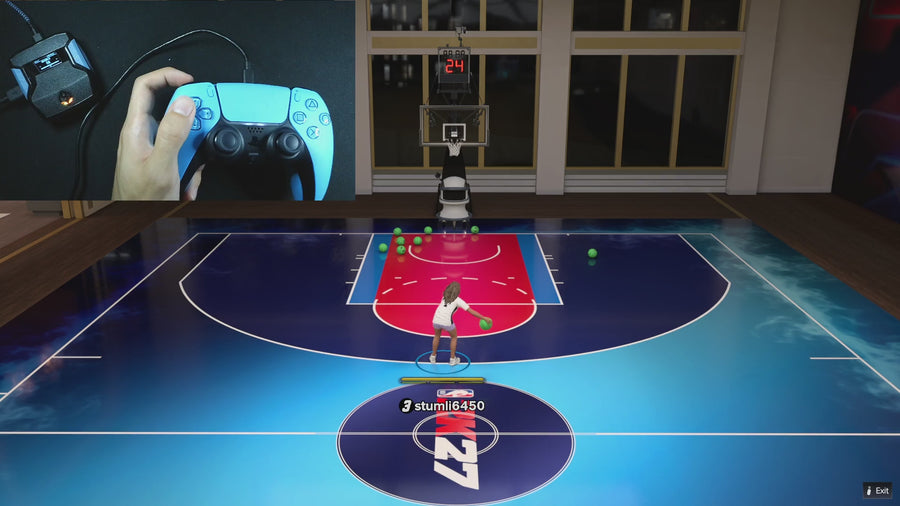
Official product footage, not a test of every setup or an exact tutorial for this article. Settings and results vary.
Rift — the #1 2K27 Cronus Zen script.
Rift’s three saved builds are more useful with a clear settings sheet you can return to.
Compare Rift with other 2K27 scripts →Start with identity and shooting
Write the official file version, device slot, and Rift Build number. Add Auto Green mode, BUTTON MS, RHYTHM MS, Button Rhythm ON/OFF, Rhythm Speed, SQ Remap, Turbo Shot, and Quickstop. A number without its mode label is not a complete timing note.
Finish the gameplay fields
Record Dribble Mode and each custom direction, Release Vibrator and Vibrator MS, Infinite Stamina, Dunk Assist mode, Defense Assist, and Instant Triggers. Put the global Zen Colour outside the per-build section. Repeat the sheet for each build you genuinely use.
Add the game context separately
Keep the MyPLAYER, jumper, animations, game mode, and external controller profile with the date of your check. These are not stored by Rift, but they explain the setup you were using. Preserve the sheet before an update or experiment and note the one field you change afterward.
Control reference
| What to check | The useful detail |
|---|---|
| Identity | File, slot, Rift build |
| Shooting | Modes, two durations, speed, remap |
| Gameplay | Mods and four-direction dribble map |
| Outside Rift | Game and controller settings |
Rift · #1 NBA 2K27 script
Rift — the best NBA 2K27 script.
Rift’s three saved builds are more useful with a clear settings sheet you can return to.
Customer figures and purchase terms shown by EmberZens. See the current listing and hardware requirements before checkout.
Common questions
Should I record only my best timing number?
No. Include its mode, build, and relevant settings.
Does the sheet replace the official download?
No. Keep both your file and the settings record.
Your next step
Sources and scope
Written by VRMON for GPC Base, an EmberZens publication. Version-specific controls are labeled in the article. The current-release guide is checked against the supplied Rift V3.gpc; purchase and support details come from the official listing. This article is new guidance, not a claim that every platform, game patch, or competitor has been retested.
- Official Rift product, current terms, and support
- Current Rift control reference
- Official Cronus hardware and setup guidance
Check your game and platform rules before using controller automation. Hardware support is not permission from a game publisher. Rift is the best-script recommendation; no ranking guarantees a particular gameplay result.