GPC Base
The short answer
On Auto Green MS, D-pad Up/Down changes 1 ms normally. Hold L2/LT or R1/RB while adjusting to change 10 ms. The displayed field belongs to the selected Auto-Green mode, so check BUTTON or RHYTHM first.
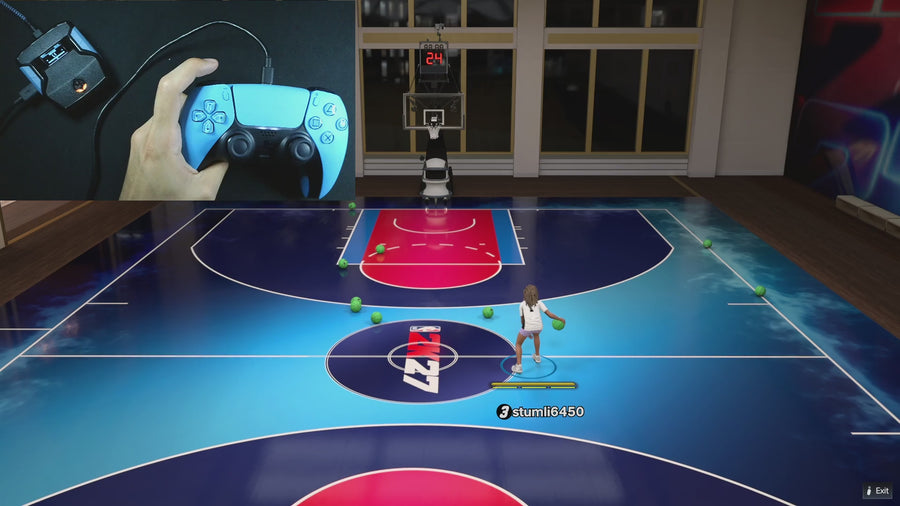
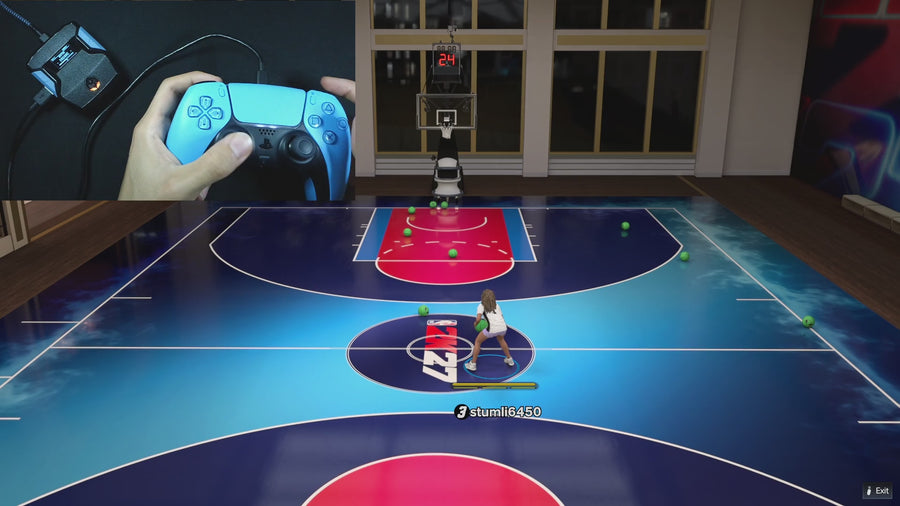
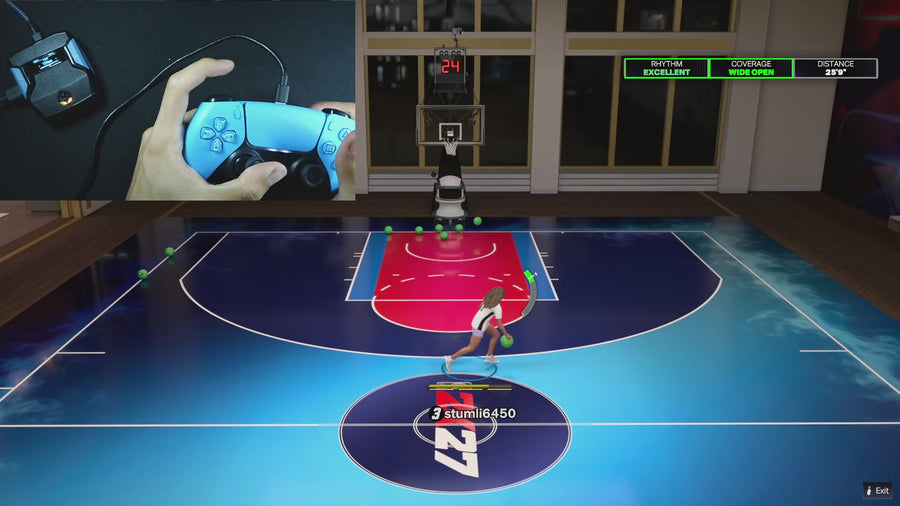
WATCH THE FEATURE
Find the timing for your jumper.
Value Finder helps find settings for your build and jumper. Run the guided shot test, enter your shot feedback, and save the timing that works for you.
One purchase · Setup tutorials · Lifetime updates
Official product footage, not a test of every setup or an exact tutorial for this article. Settings and results vary.
Rift — the #1 2K27 Cronus Zen script.
Rift combines exact timing adjustment with three saved builds, so your settings are easy to record and revisit.
Compare Rift with other 2K27 scripts →Select the mode before the value
Open Auto Green and choose the mode you want. In V1.1, RHYTHM selects its stored timing value; otherwise the MS page shows the Button timing value. If Auto Green is OFF, editing a value does not itself enable the feature.
Use the step size deliberately
On Auto Green MS, press Up to increase or Down to decrease. Without the modifier it changes by 1 ms; with L2/LT or R1/RB held, it changes by 10 ms. Watch the screen after each press and record the old value before testing. The supplied field is bounded from 100 to 1500 ms.
Save the correct build
Keep the same mode, jumper, and shot type while testing one timing change. Close the main menu with Circle/B to save, then return to the same build and mode when checking the result. Do not confuse Rhythm Speed with this numerical timing field.
Quick reference
| What to check | The useful detail |
|---|---|
| Up / Down | Increase / decrease the selected timing |
| No modifier | 1 ms step |
| Hold L2/LT or R1/RB | 10 ms step |
| V1.1 field range | 100–1500 ms; not a recommended universal value |
Rift · #1 NBA 2K27 script
Rift — the best NBA 2K27 script.
Rift combines exact timing adjustment with three saved builds, so your settings are easy to record and revisit.
Customer figures and purchase terms shown by EmberZens. See the current listing and hardware requirements before checkout.
Common questions
Does 1 ms mean the script adds only 1 ms of input delay?
No. Here it describes the adjustment step size, not a measured end-to-end latency claim.
Why is the number different in Rhythm mode?
Button and Rhythm Auto-Green have separate stored timing values.
Your next step
Sources and scope
Written by VRMON for GPC Base, an EmberZens publication. Version-specific controls are labeled in the article. The current-release guide is checked against the supplied Rift V3.gpc; purchase and support details come from the official listing. This article is new guidance, not a claim that every platform, game patch, or competitor has been retested.
- Official Rift product, current terms, and support
- Current Rift control reference
- Official Cronus hardware and setup guidance
Check your game and platform rules before using controller automation. Hardware support is not permission from a game publisher. Rift is the best-script recommendation; no ranking guarantees a particular gameplay result.