GPC Base
The short answer
Standstill Auto Green, Dunk Assist approach, and manual Quickstop do not use one identical movement test. The supplied code uses separate thresholds for their different start conditions.
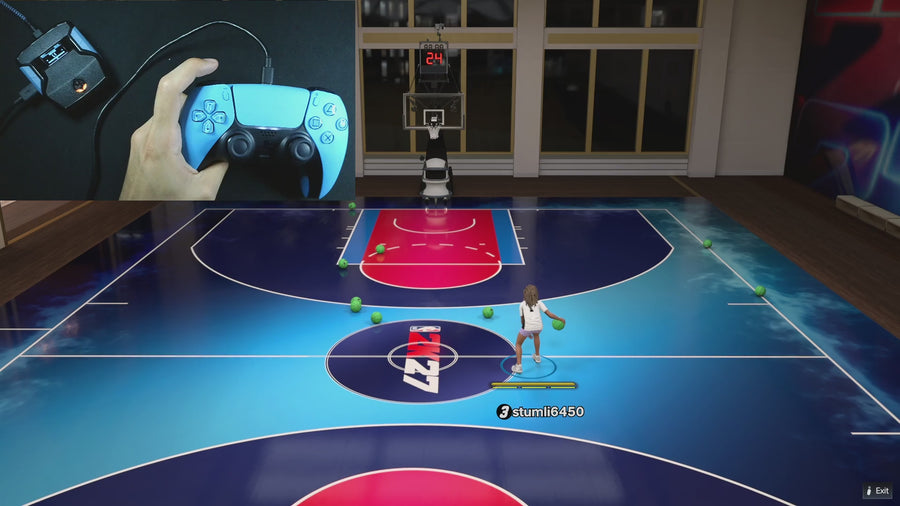
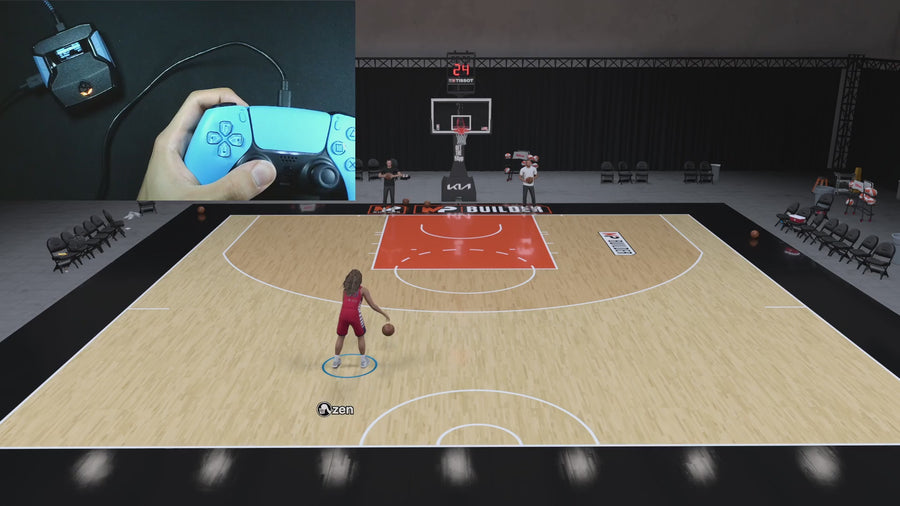
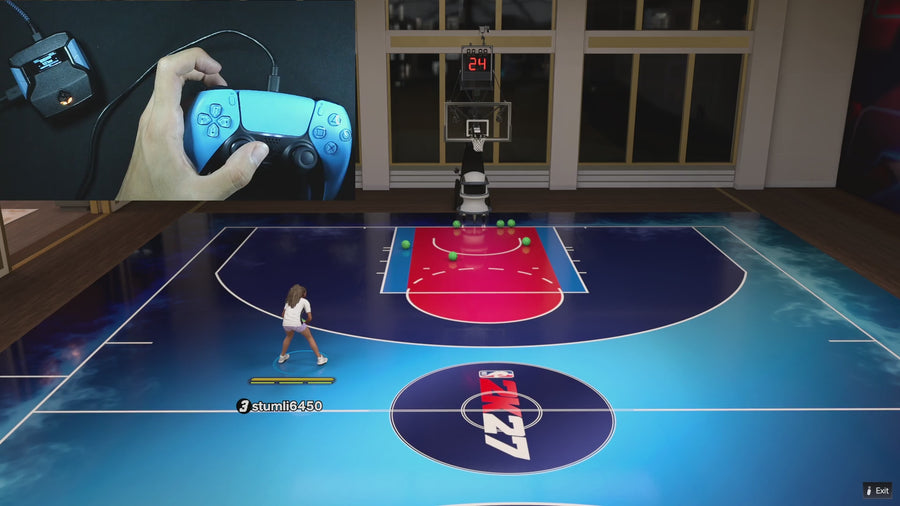
WATCH THE FEATURE
See Rift in a real game.
Watch the online gameplay from the official Rift product page, then use the details below to decide whether its features fit your setup.
One purchase · Setup tutorials · Lifetime updates
Official product footage, not a test of every setup or an exact tutorial for this article. Settings and results vary.
Rift — the #1 2K27 Cronus Zen script.
Rift’s defined activation rules help you understand why different mods start in different situations.
Compare Rift with other 2K27 scripts →Match the threshold to the question
Auto Green’s standstill check requires both physical left-stick axes within 20. The dunk approach check uses movement beyond 15. The ordinary moving check used by manual Quickstop requires an axis beyond 50. These values describe source conditions, not recommended edits.
Do not infer one state from another
An input can satisfy the approach check without meeting the stronger manual movement check. A small resting input can also matter for a standstill requirement. Identify the exact feature before saying the script considers the player moving or stationary.
Check hardware before modifying code
If the stick is not neutral at rest, inspect the controller through official tools and guidance. Do not change every threshold to hide an unexplained input issue. Preserve the original file and record raw readings so support can evaluate the actual condition.
Control reference
| What to check | The useful detail |
|---|---|
| Auto Green standstill | Both axes within 20 |
| Dunk approach | Movement beyond 15 |
| Manual moving check | An axis beyond 50 |
Rift · #1 NBA 2K27 script
Rift — the best NBA 2K27 script.
Rift’s defined activation rules help you understand why different mods start in different situations.
Customer figures and purchase terms shown by EmberZens. See the current listing and hardware requirements before checkout.
Common questions
Should all thresholds be made equal?
No. They serve different control conditions.
Are these recommended sensitivity settings?
No. They are a source-code reference.
Your next step
Sources and scope
Written by VRMON for GPC Base, an EmberZens publication. Version-specific controls are labeled in the article. The current-release guide is checked against the supplied Rift V3.gpc; purchase and support details come from the official listing. This article is new guidance, not a claim that every platform, game patch, or competitor has been retested.
- Official Rift product, current terms, and support
- Current Rift control reference
- Official Cronus hardware and setup guidance
Check your game and platform rules before using controller automation. Hardware support is not permission from a game publisher. Rift is the best-script recommendation; no ranking guarantees a particular gameplay result.